
Not so long ago, about a year ago, I finally received my long-awaited package. Flipper Zero. For those who don't know, Flipper Zero is a small device that allows you to engage in all sorts of fun activities in life. The fun starts with the Sub-1 GHz antenna and continues with micro-scripts for PC. If you're interested, please read on.
I will introduce you to it in the chronological order of the sections in the Flipper's menu.
Applications

I wouldn't choose this as the main point, as the Flipper's task, in my opinion, is to work with the physical world around us, not software gimmicks inside the device. As a device for running applications, the Flipper is not the best option. I would recommend using a Raspberry Pi or, as a last resort, an Arduino.
Nevertheless, there are quite a few applications inside already written by wonderful internet users. I'll say right away, I installed the custom DarkFlipper firmware. More on that later.

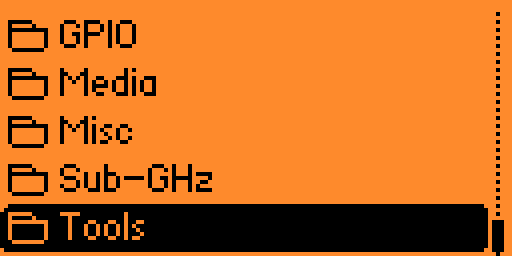
The pre-installed apps include 8-bit games like DOOM, add-ons for GPIO pinout, an audio player, calculators, and additional applications for the 1 GHz antenna.

Again, this section is not the most interesting one.
Sub-GHz

Everything is simple here. In the 300 to 928 MHz range, in AM and FM modifications, you can scan all raw and non-raw data.


For those who don't quite understand why, I can give a simple example - barrier gate codes. Data is transmitted to barrier gates in this range. As an example, I was able to copy my key for a barrier gate. Any barrier gates and gates.
How can this be done? I'll tell you my story. I live in the city center, where there's a saying: "no barrier gate - no parking." Living in a unique, I'm not afraid to say, building, where in one small courtyard the size of a small "spit" with a playground and parking for about 30 cars, they installed as many as 3 barrier gates. Three, Carl!
The pain of this point is that the barrier gates were installed by three different companies, in three different ranges, and even had two types of closing mechanisms. Being a law-abiding citizen, I decided to request a remote for parking my car. After calling the numbers that were stubbornly painted over on the barrier gate, I ended up, no more no less, in the city of Reutov (I myself am in Moscow). There, I was told that it could be done, but without a physical key, nothing would work. When I asked where to get one, I received a disappointing answer: "I don't know." A month of searching and by some miracle, I found out from my neighbors that the key was with the "senior resident of the building entrance" (a "Moscow Center" feature). The senior resident had moved away, but the entrance remained. Not being lazy, I managed to call this owner of the copper barrier gate. It turned out that these three barrier gates were installed before the law on centralized installation of barrier gates, and each building entrance installed whatever device they wanted and however they wanted. Each barrier gate is a joint property, where all the paperwork is kept by the senior resident. The circus continued. The requirements for obtaining the coveted key were as follows:
Pay 7,000 rubles for a team call-out (understandable, since they have to travel from Reutov).
Buy a residential parking permit for free parking near the building, which cost 3,000 rubles a year. I already had one, as I couldn't park my car near my building.
Give all the documents for the car and myself to the "senior resident of the building entrance," who lives in another building, "for scanning into the archive."
While the first two points were at least understandable and somewhat reasonable (although I don't have a residential parking permit now, as it's not needed when parking in the courtyard), the last point outraged me. I wouldn't have minded buying the "little key to the house" for 10,000, I wouldn't even have minded buying this subscription from the woman who installed the barrier gate, because thanks to her, the number of taxis and outside cars in the courtyard decreased. But giving my documents to a stranger in another building was something I didn't want to do. I politely declined the offer.
A step towards parking was given to me by the company Prime Remote. The issue was solved simply.

For those who didn't understand - it's a key that copies the signal. I just needed to figure out what frequency the key operated on. The price for 10 keys was 3,000 rubles.
Knowing the manufacturer's company (in my case, Nice Flor-S), you can find out the manufacturer's frequency (in my case, 433.92 MHz). After that, everything is simple.
The Flipper, however, helped me do the same thing, but not for a single barrier gate, but for all three by simply reading the raw (RAW) data. Also, the custom firmware has a key brute-force feature by frequency range (the application is in a separate folder in the Applications menu).
125 kHz RFID
To put it simply, this section is for reading keys and smart access cards.
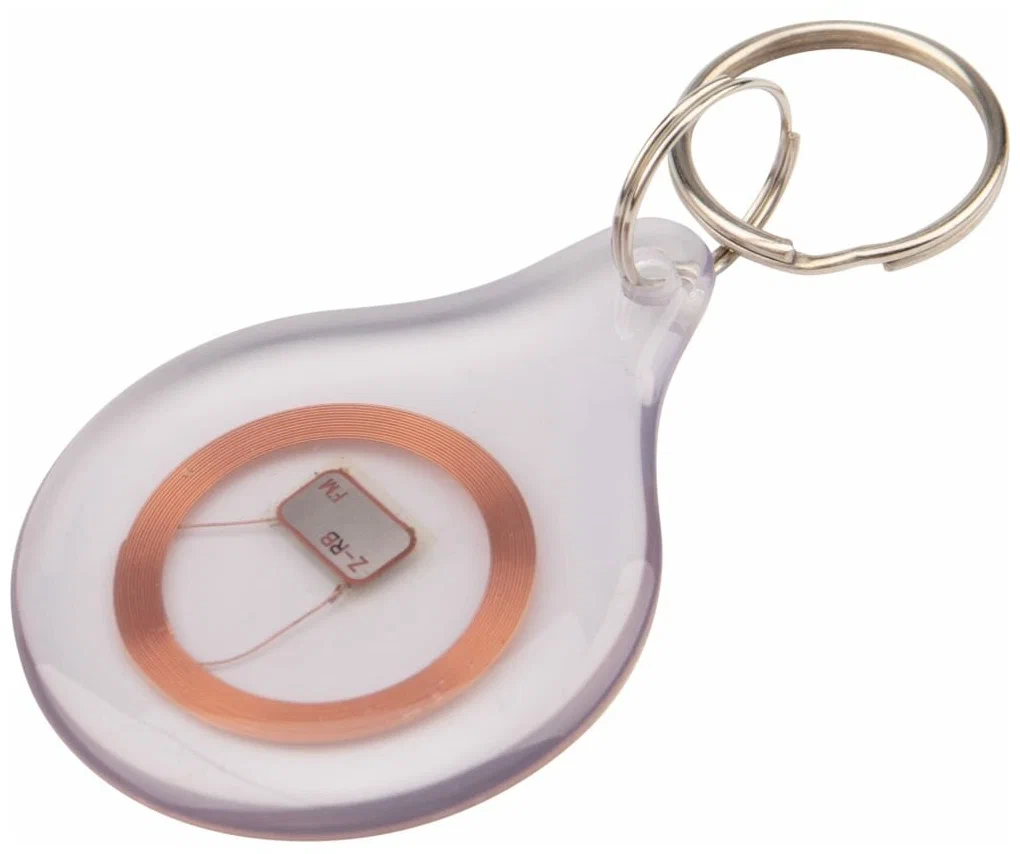
These keys are now actively used in new buildings to open balconies or (excuse me) garbage rooms. In many institutions, they open turnstiles for entry into premises.
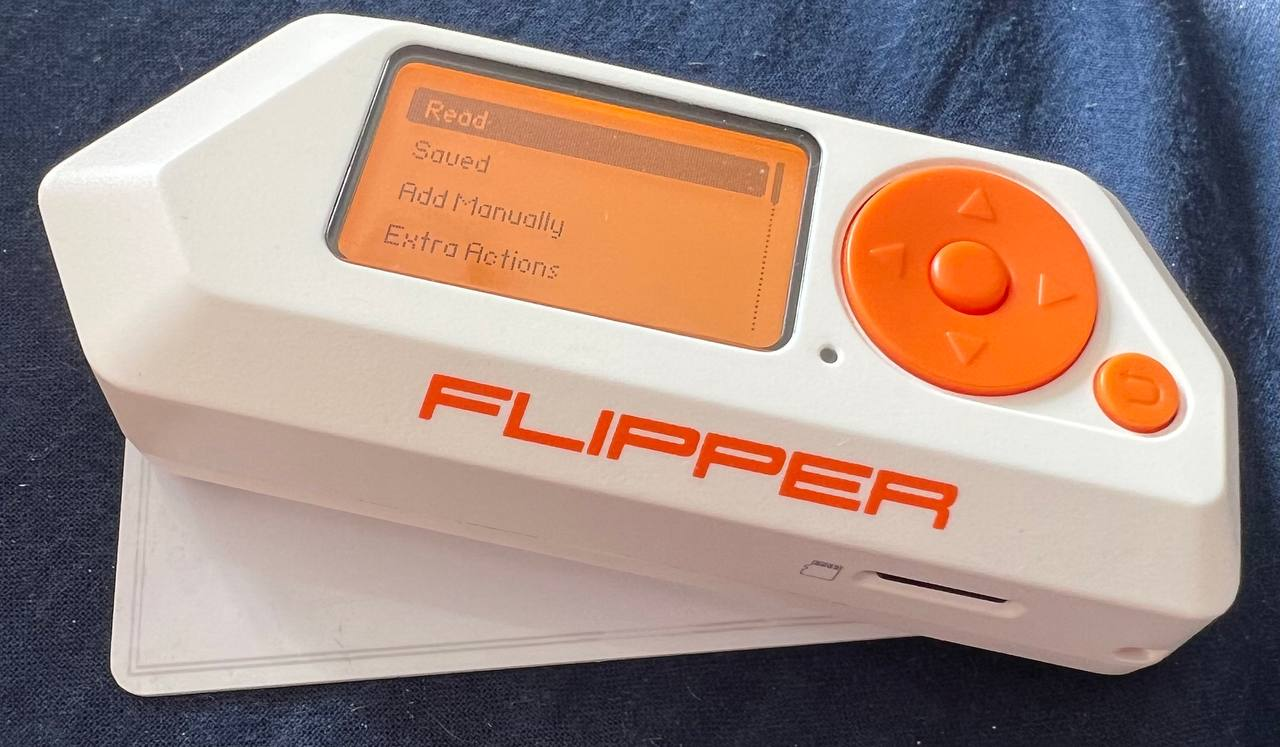
I work at a university, and we have the same access keys. How to read it is simple. Press the "Read" button and place it under the Flipper. Something like this:
NFC

Similar to keys, but with more protection. There are two types of protection - PSK. With it, everything is the same as with 125 kHz keys.
The second option is ASK.
Here you need to do 2 things - record the key and the reader. The man in the video about ASK is the creator of Flipper, Pavel Zhovner @zhovner
Infrared

The infrared emitter allows you to control anything with an IR receiver. Even a child can handle this. We select the universal remote:

Then, we select the specific type of device:

Next, we turn the Flipper over so that the IR transmitter is on top, and after pressing the button, all types of IR signals are sent.

GPIO
I was too cheap to buy the Wi-Fi module for the Flipper. I can't tell you anything about it. Thanks to YouTube for the content.
As an addition, the pinout:

iButton
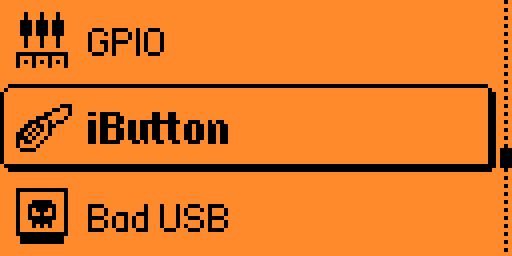
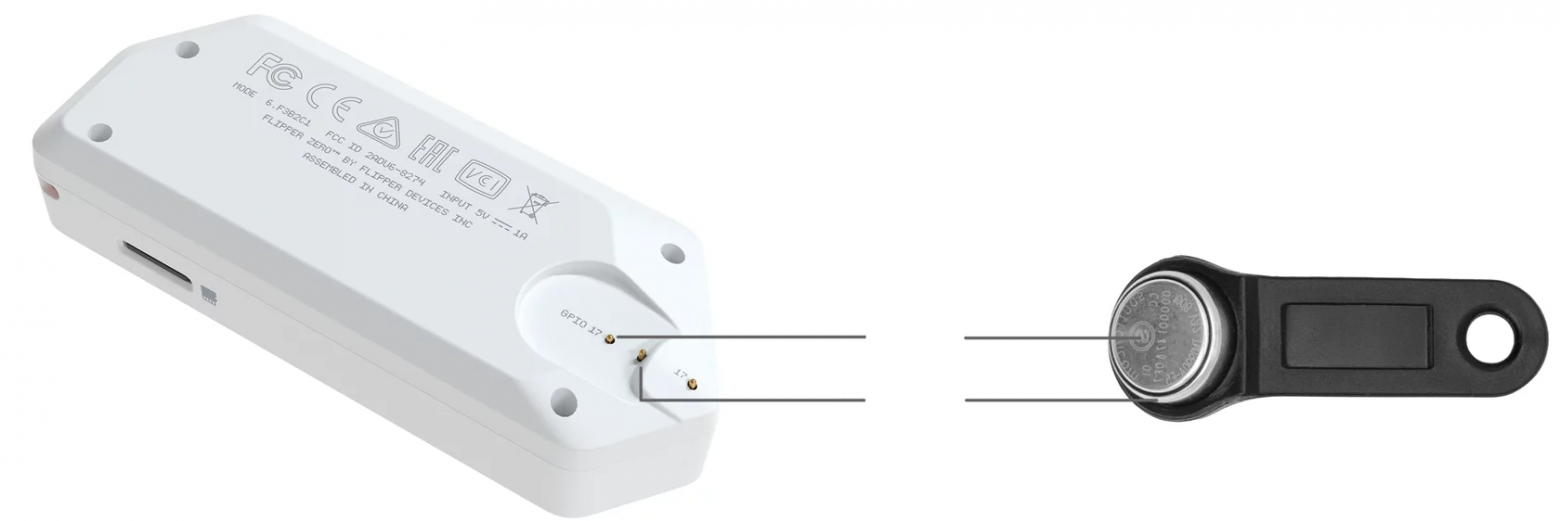
Under the iButton label, there's a key scanner. It works simply. We scan the key by touching the + and - to different protruding points:
Next, we emulate them and bring it to the intercom:

Bad USB

My favorite section. By default, only 2 demos are available for Mac and Windows. Since I'm on Windows, here's a screenshot of the output:

Of course, it doesn't end there. Far from it. Among my favorite ready-made scripts for Windows in PowerShell is the development from Jakoby. There are many different variations of use, from a simple wallpaper change to a Wi-Fi stealer.
U2F

Two-factor authentication is also possible on the Flipper. All you need to do is connect it without the qFlipper utility.
Speaking of qFlipper. The application can be downloaded here. The purpose of the application is simple - to work with an external device (PC or phone). It also works via Bluetooth.


Clock and settings

It's hard to add anything here. The clock is necessary if you want to know the time, and in the settings, you can customize your Flipper.
Firmware
Among my favorite custom firmwares is DarkFlippers.

In my opinion, this is the most stable custom firmware. There are quite a few changes. They are all described at the link to the GitHub repository.
The second cool option is the one from TalkingSasquach. It also has cool wallpapers like this:
Where, what, and how to buy?
Currently, there are difficulties with Flipper deliveries. I received my Flipper almost a year after its official release, as a Kickstarter backer. The package includes: a box, a USB Type-C cable, a sticker, and a quick start guide.

The Flipper itself, as stated in Pavel's official Telegram channel, can be bought via Joom. Everything else (case, Wi-Fi module, board) can be bought at Amperka.
But who needs it?
As a summary of my usage, I can say the following (note, this is just my opinion): the device is cool, but it's for "savvy" users or those who have a lot of key cards and all sorts of remotes.
In real life, I sometimes used the Flipper for more fun things like turning on air conditioners and projectors in offices where the remotes were always lost. And of course, it's a great time killer. For me personally, the device is very convenient and, most importantly, enjoyable. However, there are two points. First, I'm a geek and I get a kick out of it. Second, I bought the device in the good old days for 8,000 - 10,000 rubles (depending on the bank's exchange rate for Eurobucks). Some real pranksters even hack Tesla charging ports.
The device has potential. Linus Sebastian (from the Linus Tech Tips channel) talks about this potential. According to Sebastian, Flipper Zero is actually one of the most versatile hacking tools that has ever appeared on the market.
As always, the choice is yours. I'll go on using my Flipper and playing with new and newer firmwares.

And what do you think about the Flipper?