Frontend Weekly Digest (28 Jan – 3 Feb 2019)


High-level, interpreted programming language. It is a language which is also characterized as dynamic, weakly typed, prototype-based and multi-paradigm


(originally published on Medium)
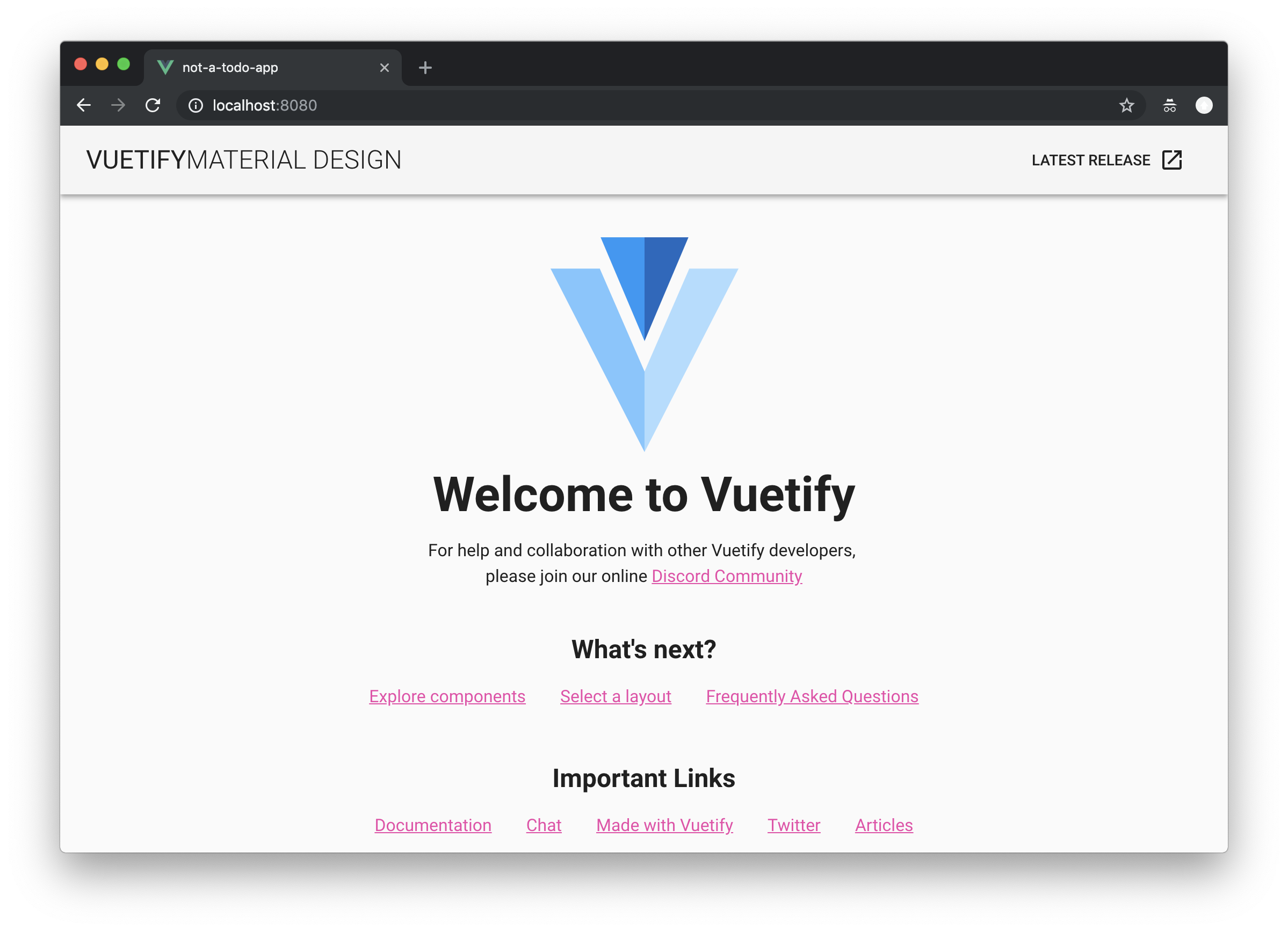
I like writing React code. This might be an odd introduction to a story about Vue, but you need to understand my background to understand why I’m here discussing Vue.
I like writing React code and I hate reading it. JSX is a neat idea for assembling the pieces together fast, Material-UI is amazing solution for bootstrapping your next startup’s UI, computing CSS from JS constants allows you to be very flexible. Yet reading your old JSXs feels awful – even with scrupulous code review practices you might scratch your head not once as you try to figure the intricate nesting of the components.
I’ve heard many things about Vue—the not so new kid on the block—and I finally decided to get my feet wet; bringing in all my mental luggage of React and Polymer (and Angular, but let’s not talk about that).


In the previous blog post, we learned how to move our current application into a Master-Detail app displaying Business Partner as a list (master) and its detail information with Sale Orders inside the detail page (detail).
With Part 4 of this series of blog posts, we will learn how to create a second drill-down page with information about the Sale Order detail and display a table of Sale Order items.
The most important part of this exercise is to understand how to Delete (part of the CRUD operations) a Sale Order Item of a Sale Order.
This is our main task in this exercise but it’s not the only thing we’ve done in the code. Here’s a list of the things you have to do to get to the final result:


In the previous blog post, we learned how to filter, sort and group our table. This is a fundamental aspect of every CRUD application because most of the time users have to deal with hundreds of hundreds of records.
With Part 3 of this series of blog posts, we will learn how to create a Master-Detail application leveraging the SplitApp UI control and how correctly configure the app’s manifest to handle routes and targets.

In the previous blog post, we started designing our application rendering a table with some Business Partner. We learned what OData protocol is, how to read an OData XML manifest, how to bind data to a Table and how to customize columns layout based on different screen resolution.
With Part 2 of this series of blog posts, we will learn how to interact with data in our Tables and List. We will learn how to filter and sort data in a smart way.

In the previous blog post, we have created a new SAPUI5 application on our SAP SCP WebIDE Full stack and we have configured it to use the destination to the SAP Netweaver Gateway Demo ES5.
sap.m.Table with items and property bindingsap.ui.model.type.DateTime to format JavaScript Date
We have a problem. The problem with testing. The problem with testing React components, and it is quite fundamental. It’s about the difference between unit testing and integration testing. It’s about the difference between what we call unit testing and what we call integration testing, the size and the scope.
It's not about testing itself, but about Component Architecture. About the difference between testing components, standalone libraries, and final applications.
Everyone knows how to test simple components(they are simple), probably know how to test Applications(E2E). How to test Finite and Infinite things…
Yesterday I’ve blogged about the content I’m creating for new developers that have arrived at our Techedge office in Lucca.
Teaching is something I started to love, is the natural consequence of the fact that I love to learn and love to share my knowledge. And I think that it’s important that new students or young developers have some curated content to start with, maybe with also some tip&tricks that senior has learned during their journey.
The idea behind this exercise is to cover every topic a SAPUI5 developer should know and understand.
The exercise will be available on my GitHub project openui5-exercise.

At the start of September 2018, some cool guys also joined our team, they are fresh from University and they are really hungry to learn how to design and develop amazing web apps with SAPUI5.
That’s why I’ve started to collects internally on the web some links in order to create “The perfect journey to become a SAPUI5 Ninja Developer”.
I’ve also started to write down some exercise (from easy to hard) in order to test what they’ve learned but I will share those in a second blog post as soon I’ve finished them.
Hi everyone,
I'm Emanuele Ricci, a full-stack developer based in Lucca (a beautiful little city in Tuscany, Italy).
Since the last three years, I work full-time for Techedge Group, a big worldwide consultant company that is a partner with SAP. I usually work in projects related with SAPUI5, SCP, HANA and in my free time, I love to create content around the technology I use at work and in my personal projects outside SAP. Lately, I'm a little bit experimenting with Android after the release of SAP Fiori SDK for Android/iOS.
(article is published on linkedin.com (Alexander Panov) )

Beginning programmers always ask the question, where to start learning about creating websites? Search on the Internet gives a lot of various information, but unfortunately only more confuses novice developers. Having more than 5 years of teaching experience, I have seen many times how students, making breaks in computer games and deciding to become web developers, tried to customize development environments. They began to sort out the programs for layout. They grabbed Sublime Text, Notepad ++, Visual Studio Code, NetBeans or PHPStorm. We tried to install on our local computer WAMP (stands for Windows, Apache, MySQL and PHP) platforms, such as Denver, Xampp, Open Server and many others. But since there is no systematic knowledge in the head of a novice developer, there is no experience of customization, it was rare for some of them to set up a convenient development environment, and whoever got it, understood that it became more difficult to play, since many additional programs, smoothness in the game.
This article was born because of explaining for many years to each student how to do everything correctly and conveniently.
Once again I want to say that we will set up a working environment in the Windows system to study the creation of sites in HTML, CSS and their links to PHP. We will call this computer working, so that beginning web developers get used to the idea that their computer is their source of income.
Have you ever wondered how to track when elements with positions: sticky become fixed? Eric Bidelman has an amazing post on this topic, go and read it now.
I've found some difficulties while using it in my project. Here they are:
sticky-change event relates to header element, but you have to insert sentinels to header's parent (and make it position: relative).--default-padding greater than 40px, which is top-sentinel's height.Let's try to improve it!