The Illusion of Security: How Google Is Squeezing Independent Developers in the Name of “Transparency”

By the time this article is published, it will be 99 days until Google starts blocking unverified app developers.

Developing for most popular mobile OS

By the time this article is published, it will be 99 days until Google starts blocking unverified app developers.

Hello! How often in your work have you needed to run some strange application that you really don't want to or it's very dangerous to run on your personal smartphone, but you don't have a test device (a victim of future experiments) on hand to run it?
Yes, you can run Android Studio, but this software requires a preliminary study of the manual - without it, you won't be able to run anything on it, but there isn't always time and desire for such tasks. It is believed that the best task is one that can be delegated to another person, and all their emerging questions can be answered with a link to an article.
Unfortunately, I couldn't find such an article, and not to go far, I wrote one myself. In short, it's a common problem: if you can't find a good comparison, figure it out yourself.
Hack Time, Habr!
The other day, I came across a high-profile investigation by Dmytro Tarasenko (aka iTaysonLab).
He was the one who decompiled the APK of the new 'Telega' app, identified links to the VK and Catogram infrastructure, and published the details on the BruhCollective Telegram channel.
My colleagues uncovered many alarming facts, but as someone who loves to dig into the guts of applications, I wanted to go further, confirm their findings, and find what dynamic analysis missed.
I decided to conduct a full static analysis of the APK, deobfuscating the code to create the most complete and technically supported picture possible.
What is really hiding behind the promises of an 'improved' Telegram?
Let's take a look.
Spoiler: it's not secure, not private, but it's damn interesting. Let's go!

My second article—an analysis of MAX's network requests and why this analysis is my biggest disappointment! I certainly didn't expect this, but I described everything as it is.

Hello everyone!
I, at my own risk, decided to install MAX and see what happens after installation. My research will result in at least 2 articles.
This is the first article. In it, I will compare the permissions requested by the MAX app for Android with the permissions requested by Telegram and WhatsApp.

When creating an app or any other software product for children, one of the hardest parts of the process is conducting user research correctly. Although working with kids might seem fun and entertaining, it takes certain skills to get them engaged in testing your product and voicing their opinion so you could gather all the necessary information. It’s important to understand that mentally kids function differently than adults, so working with a young target audience requires a different approach. Treating children like adults in the UX research process can lead to serious mistakes: they might not get a proper understanding of your product and you might end up getting wrong results, only wasting your time and budget. In order to avoid that, we’ve collected a few tips below that might help you communicate with kids more effectively for a productive and fruitful research session.

Mobile developers can use Apple Wallet and Google Wallet integrations for different types of apps.
Once we already wrote our own library for Apple Wallet in React Native because we couldn't find anything ready to use. But now that Google Wallet is fully released, it's time to update it.
Now, this library provides integration with both Apple Wallet on iOS and Google Wallet on Android. It allows you to add, remove, and check for existing passes on iOS, and add passes to Google Wallet on Android.


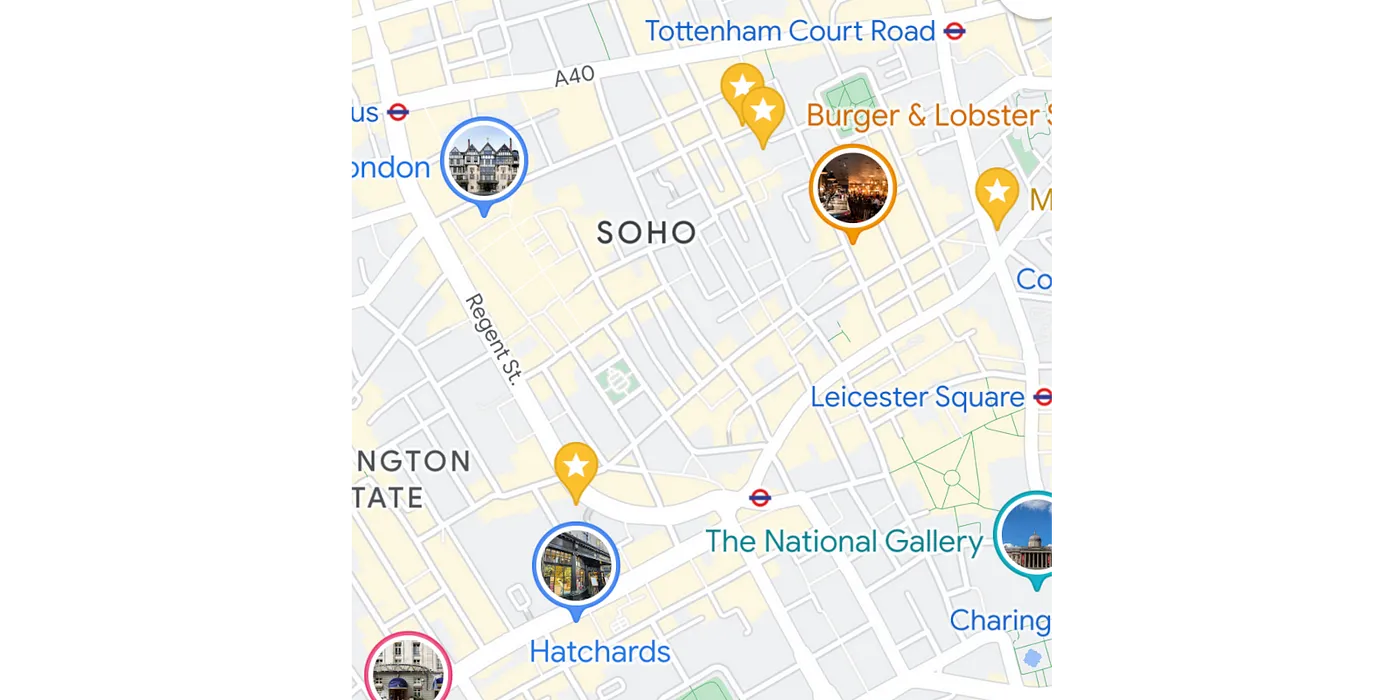
In this article, I will cover basic work with MapView (and MapFragment) markers, learn how to implement marker clustering, i.e. group markers located close to each other, and display dynamic icons in the markers, i.e. load by url and display remote images. Ultimately, we will create such map with clusters and dynamic image loading (in background).

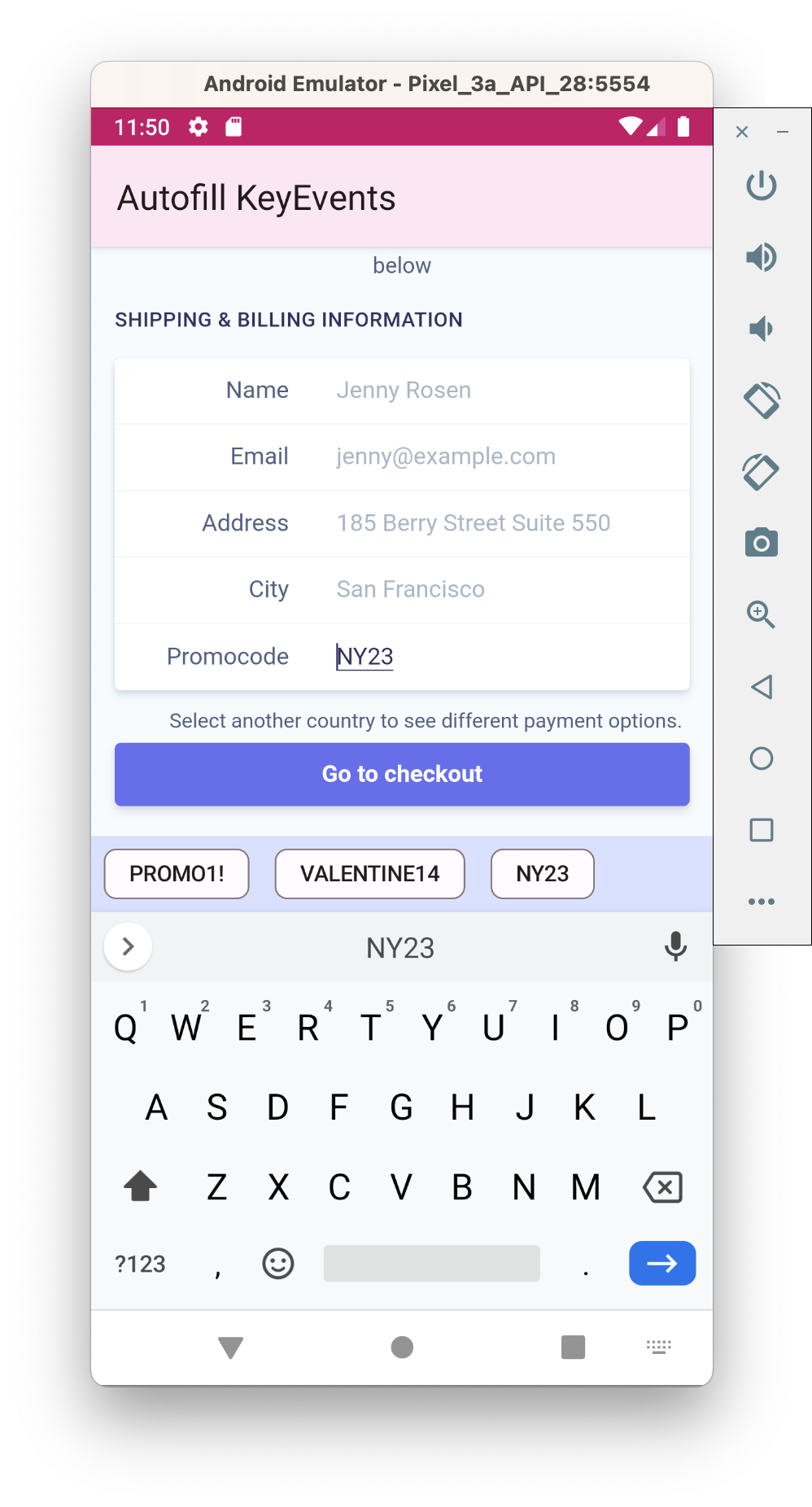
In this article, we will learn about autofill methods for input fields/forms in WebView used inside of an android app. I’d like to stress that the main topic is the autofill in WebView, because, when filling standard EditText views in the app - no issues arise. But when we display content owned by other parties, we can’t fill the form with our data in a simple way.

No matter how we deceive ourselves - size matters! Of course, we will talk about the size of our android application, where we add a bunch of cool features, and we don’t even think about how this can negatively affect the app size. Therefore, we will learn how to detect app size regression on CI to automate this process. In this part, we will discuss how you can easily check the app size in development branch.

This tutorial will guide you step by step in building an Android chat app in Kotlin with the help of third-party messaging SDKs. The reason I chose Kotlin for this tutorial is that - it is a lightweight programming language suggested by Google for building apps that work on Android devices.
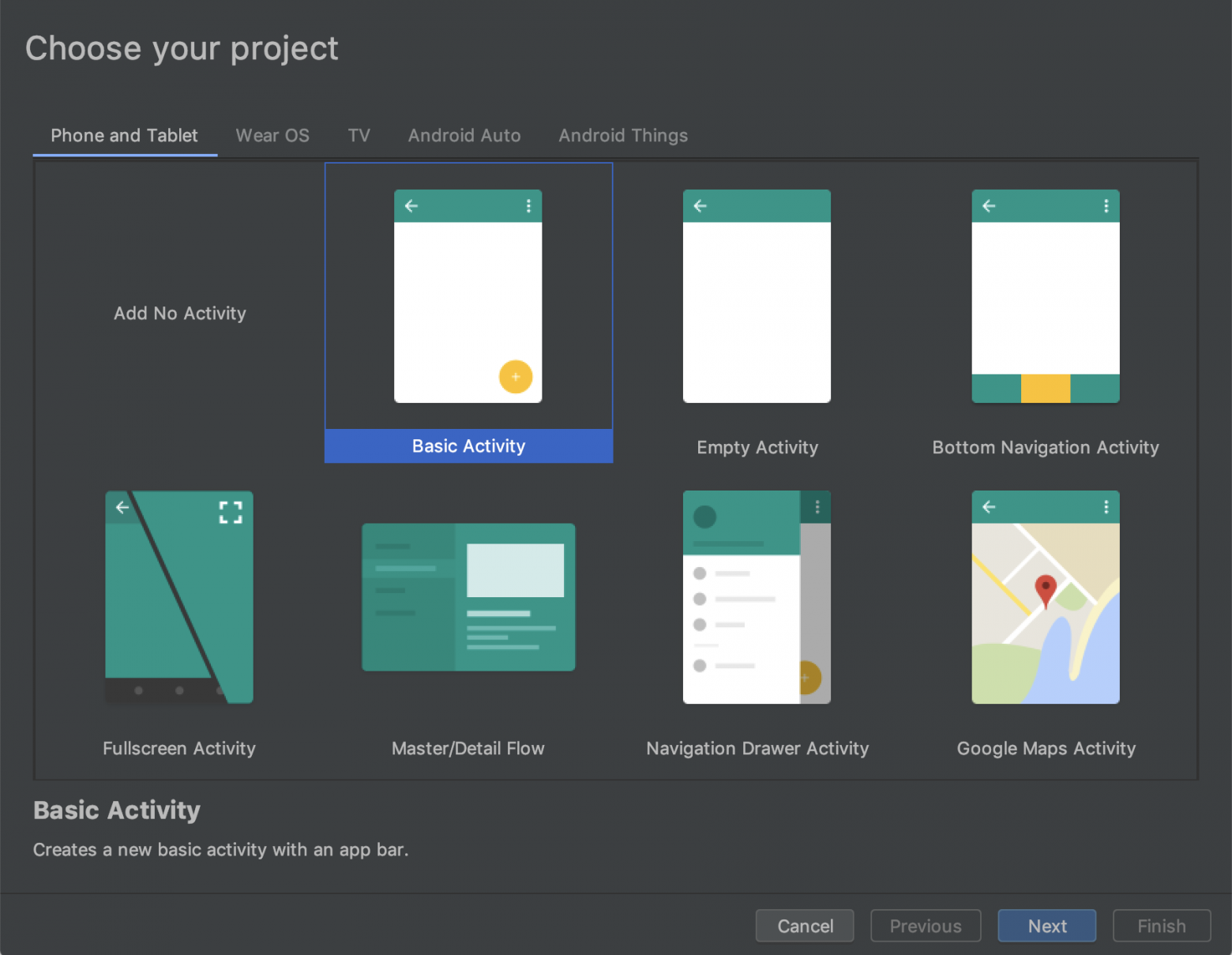
In the steps ahead, I’ll show you how to develop an app in Android Studio, with messaging features that can integrate using SDKs. I use MirrorFly’s chat SDKs throughout this tutorial.

This article describes how to develop a real-time weather prediction app in Flutter using the Tomorrow.io Weather API. The app consists of a single screen that displays the current weather and a 4-day daily forecast for a specific location. We’re creating this prediction app on Flutter because it is an open-source UI development kit, which means it can be integrated beautifully into desktop and mobile apps across various platforms, making it scalable.

This part covers the use of typemaps, complex & weird cases, and debugging suggestions. This part requires an understanding of Part 1 - usage of SWIG in simple cases.
This is a practical Android-first guide, with Android Studio project you can play with.

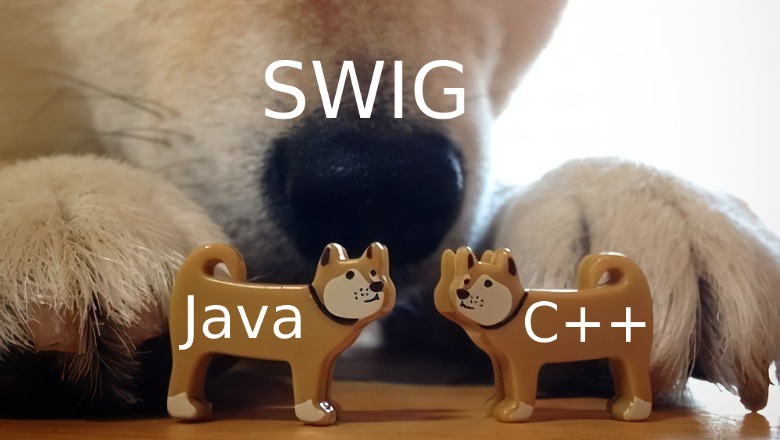
SWIG is a tool for generating cross-language interfaces - it provides interoperability of C++ and other languages (C++ and Java in our case). SWIG just simplifies and automizes cross-language interaction; otherwise, you may end up with thousands of lines of handwritten JNI code - but SWIG covers this for you.
This guide is for newbies (Part 1) and for those who experienced in SWIG (part 2). I'm starting from basic setup and usage and ending with complex & weird cases encountered in development. The latter cases are not so complex, rather usual for modern languages, which SWIG doesn't support yet (as lambdas).
This guide is practical. In opposition to overcomplicated huge-volume SWIG documentation, this guide is showing the cases practically. The bits developed by myself while working on the different projects or taken from StackOverflow. This guide allows you to quick-start an Android Studio project and giving practical examples of using SWIG. The link to the Android Studio project is here.
This guide is Android-first. The goal was to make it simple to onboard for Android developers. There are many articles about SWIG, but they are mainly for desktop Java applications, and it is quite an overhead to just try them on Android to check if the solution for the particular problem is working. While this guide includes an Android Studio project, with which you can play around instantly. Of course, all the information given here applies to any Java application.
Warning! I should warn you, that nowadays cross-platform development offers powerful tools. If you are developing a new application it is much more cost-efficient in practice to use ReactNative, Flutter of Kotlin-Native than the SWIG. While SWIG is more suitable to connect the C++ library or existing C++ application core.

Introduction and Context
So you’ve just finished developing the next mobile gaming smash hit. You’ve already planned to launch your game worldwide and win the hearts of gamers everywhere. But what you haven’t done yet is think about how you’re going to make any money from your success and hard work. Of course, you’ve imagined becoming an instant millionaire, but you just don’t know how to get there.
Fear not, intrepid developer! Instead of just rehashing the tired headlines and beating the same old drum, we’ve tailored our Ad Monetization write-up for developers who are gearing up to publish their game or app in China. We’ve scoured the internet, grabbed insight from ad giants like Google, Smartyads, and PocketGamer.biz and combined it with our own hands-on knowledge of what works in China—knowledge that we have gained from the past 5 years in the industry.
We need to briefly explore how monetization functions as a utility within the context of game design. This is especially true when examining how developers in China have made meaningful design decisions that have both shaped and been shaped by user habits. Unpacking the utility of Chinese game monetization will help developers understand why Ads Monetization or Hybrid Monetization strategies have become so popular, especially in China.
Moving from monetization design, we’ll examine some of the best practices regarding Ads Monetization. Finally, we’ll turn to specific case studies in the Chinese market that show how powerful Ads Monetization, specifically Rewarded Videos, can be in a well-balanced monetization strategy.
Designing Monetization as a Utility

Recently Epic Games’ Fortnite was removed from the Apple App Store and Google Play Store. The main reason being Epics bypassing of in-app purchases instead of using the officially sanctioned system for both platforms. While it is still possible for you to download Fortnite directly, this large scale case brings to light the duopoly of Apple and Google in the mobile market.
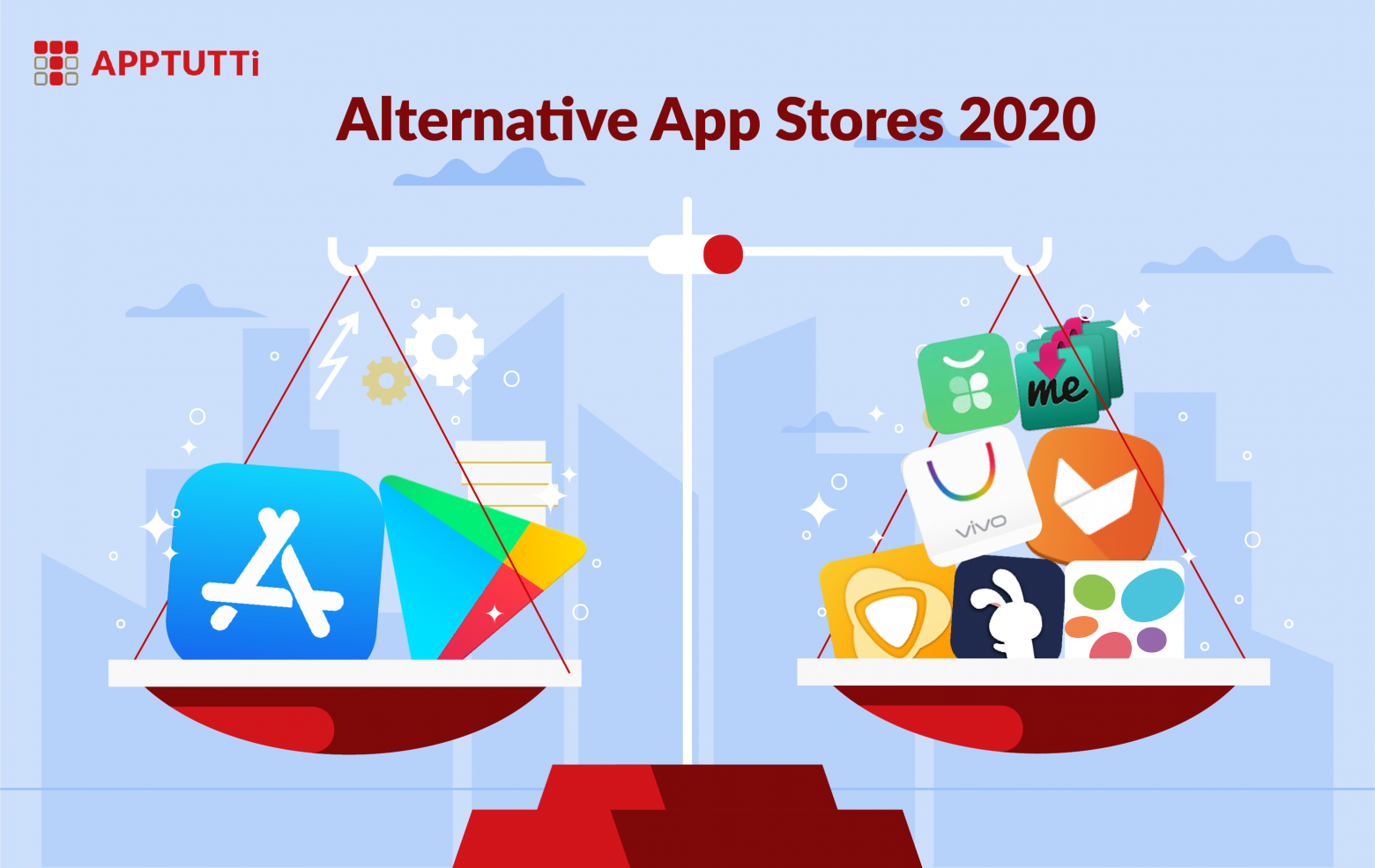
For most developers, these two stores account for almost all of their revenue and userbase. While Epic Games will be fine to go without, for the time being, what about the other 99% of developers who rely on these two stores for distributing and monetizing their apps. In this article, we’ll provide some of the alternative stores available for both developers and consumers for finding or distributing apps.
For one reason or another, you may have found yourself wondering, ‘where are some other places I can go to find and download new apps and games for my mobile device’? Or ‘are there any other marketplaces for me to share my apps’?

Major players in the Chinese app market are joining forces to take on the almighty Google Play store. Xiaomi, Oppo and Vivo are reported to launch the Global Developer Service Alliance (GDSA), a platform allowing Android developers to publish their apps in the partnering stores from one upload.
The GDSA is expected to launch in nine countries—including India, Indonesia, Malaysia, Russia, Spain, Thailand, the Philippines, and Vietnam—although paid app support may vary across the regions. Canalys’ Nicole Peng explains the wide reach of this alliance:
By forming this alliance each company will be looking to leverage the others’ advantages in different regions, with Xiaomi’s strong user base in India, Vivo and Oppo in Southeast Asia, and Huawei in Europe.

The Chinese Mobile RPG: the Genre of Giants.
Chinese RPGs make up 56% of the top 500 grossing iOS games in China. According to data gathered in 2019 by Game Refinery’s Joel Julkunen. Let’s take a look at the genre and some important points for game developers and RPG enthusiasts to consider Chinese Mobile RPGs.
RPG or role-playing game is a game where the player plays as a character, often the main character, in a fictional game world.