I Logged Every Coworker Request for a Month: Where a System Administrator’s Day Actually Goes

Our office has roughly one hundred employees, but for a long time we had no proper help desk process. Requests arrived through email, corporate chat, phone calls, and random conversations in the hallway. It always felt as if most of the day was spent dealing with servers, networks, backups, and serious incidents.
To check whether that impression was accurate, I logged every support request for one month. I measured active work time, recorded the cause of recurring problems, tracked waiting periods, and counted how often a new request interrupted something already in progress.
Over 22 working days, I recorded 496 contacts. After merging duplicate reports related to the same issue, those contacts became 421 separate support episodes.
The most surprising result was not the total number of requests. It was the damage caused by short five‑minute tasks constantly breaking longer technical work into small, nearly useless fragments.
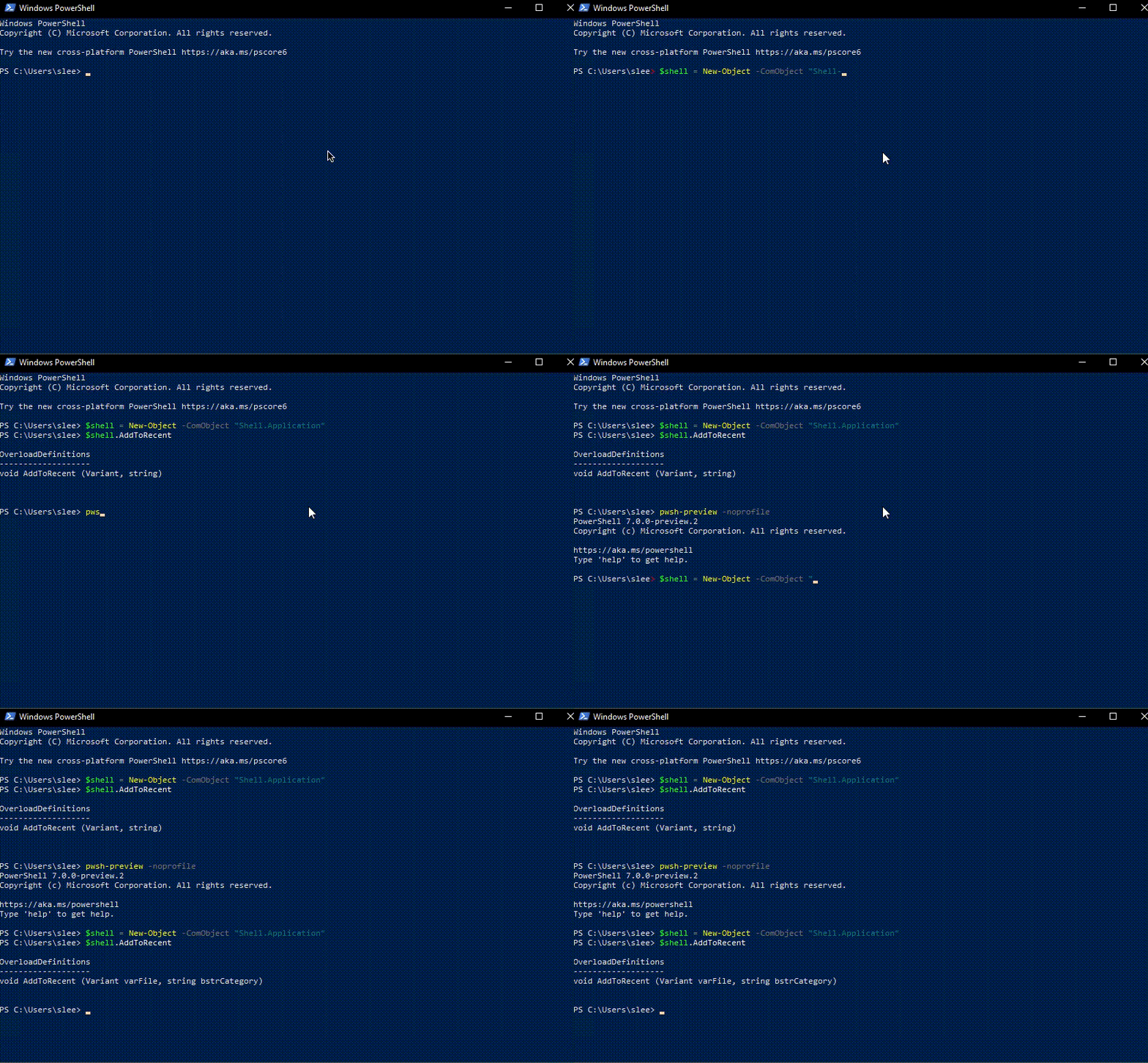
This article explains how I collected the data, why average resolution time is often misleading, how I automated Windows workstation diagnostics with PowerShell, and how I processed the resulting event log using Python and PostgreSQL.